I see "Suspicious Download" or "Cannot Verify Developer" when downloading or launching for the first time.
FlickMouse Server is code-signed with an Apple Developer Program certificate and notarized by Apple. However, new apps that have just been distributed may trigger general warnings such as "Suspicious Download" or "Cannot Verify Developer" from browsers or macOS.
Please confirm the domain tech-peace-lab.jp and the app name, and if there are no issues, dismiss the browser warning and save the file. If macOS displays a warning when launching the app for the first time, select the app in Finder, hold down the control key, click, and choose "Open."
Once you allow the app to run by selecting "Open," it will launch normally from the next time onward.
Why does it require "Accessibility" permissions?
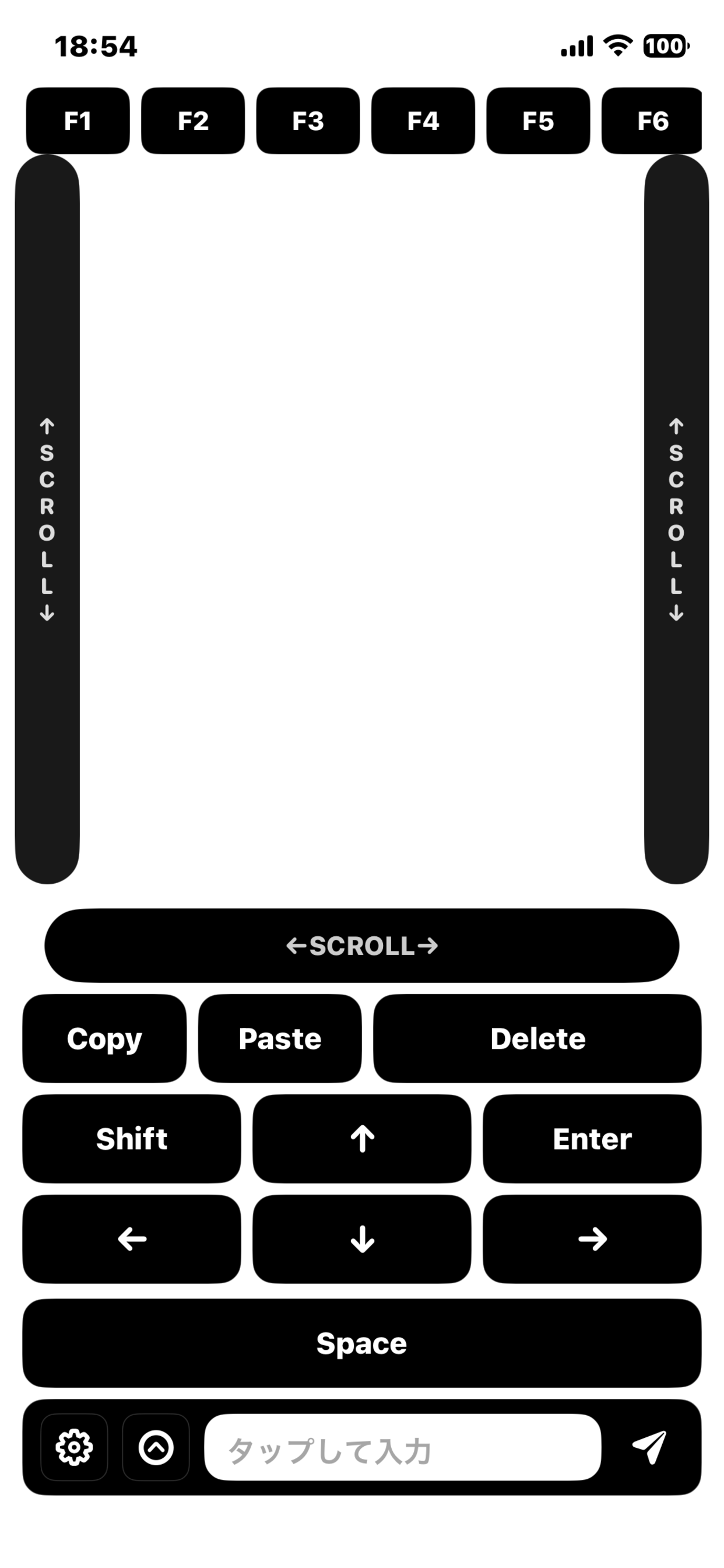
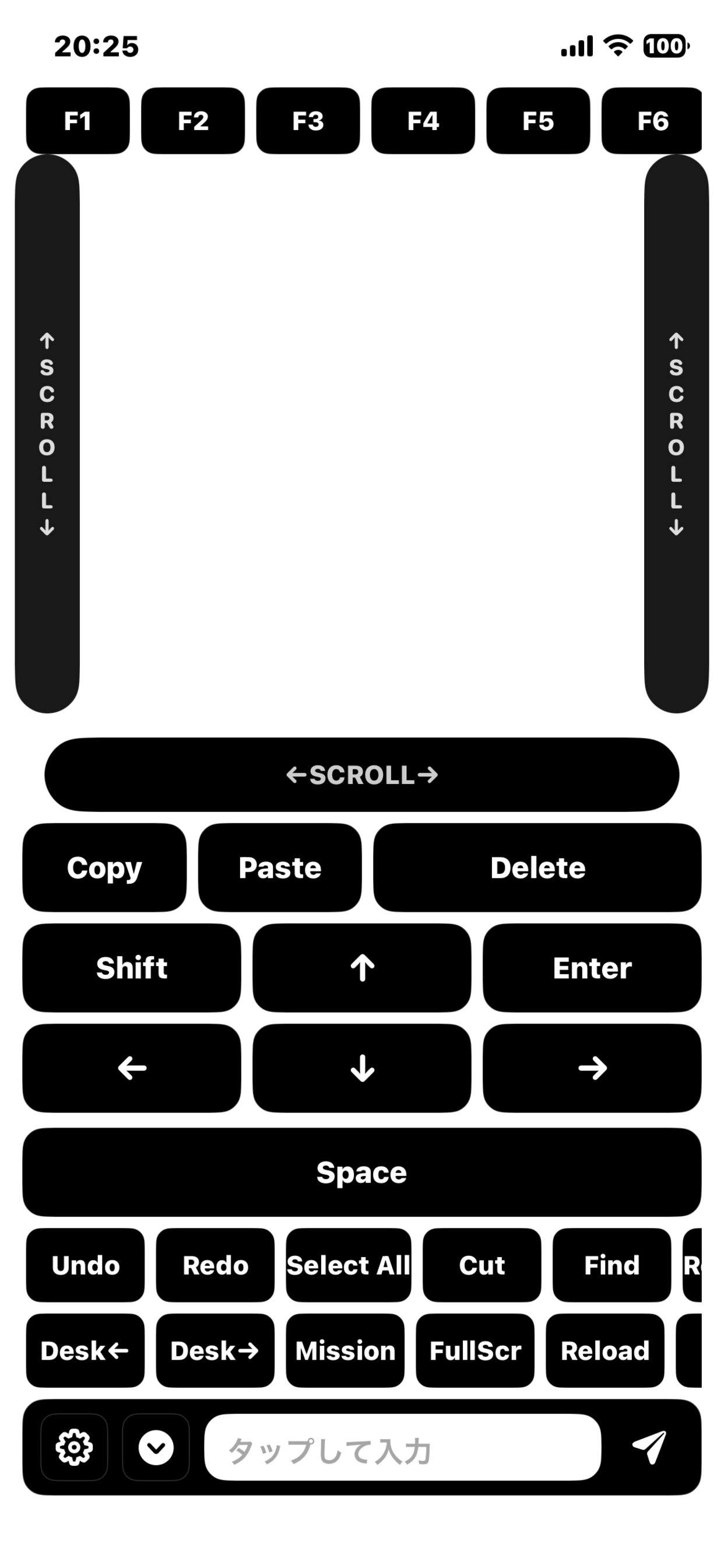
FlickMouse Server executes "simulated mouse and keyboard operations" on your Mac, such as cursor movement, clicks, scrolling, and key input (Pro features) sent from your iPhone.
To perform these operations, macOS requires "Accessibility" permissions. FlickMouse Server does not use these permissions for any other purpose.
Follow the instructions displayed during the initial launch or in the settings screen to enable System Settings > Privacy & Security > Accessibility for "FlickMouse Server."
Is "Input Monitoring" permission required?
The current version of FlickMouse Server does not use macOS "Input Monitoring" permissions. Therefore, you do not need to grant this permission in System Settings.
If future updates introduce new features that require detecting physical keyboard input on the Mac, the necessary permissions and their purposes will be clearly explained at that time.
Why does the iPhone app request permission to "Find devices on your local network"?
The FlickMouse app uses iOS local network permissions to automatically discover Macs (FlickMouse Server) on the same Wi-Fi/LAN network. This is for server detection using Bonjour/mDNS and is not used to send information to third-party servers or scan other devices on the network.
If you do not grant this permission, the automatic detection feature of FlickMouse Server will not work, and you may face limitations in specifying the connection destination.
What macOS/iOS versions are supported?
Currently, the app is designed for Macs with Apple Silicon (M1 or later) and is being tested on macOS 12 or later (recommended: macOS 13 or later). On the iPhone side, the FlickMouse app supports iOS 18 or later.
Can it be used on Intel-based Macs?
The initial release is planned to support only Macs with Apple Silicon. Support for Intel-based Macs (Universal 2 binary) will be considered based on user demand and usage trends.
How does it work in a multi-display environment?
The current version of FlickMouse/FlickMouse Server operates across the entire macOS desktop, allowing the mouse pointer to move seamlessly across multiple displays. The pointer follows the arrangement set in macOS "Display Arrangement."
For example, you can keep your MacBook nearby while using a large living room display for video playback, and use FlickMouse as a "remote control" from your couch. You can operate playback/pause buttons, seek bars, and volume sliders on streaming services from your iPhone.
When using multiple displays, setting the primary display (the one with the menu bar) in macOS as the main display can stabilize window placement and app focus, providing a smoother experience.
Can it be used without an internet connection?
Yes. FlickMouse operates between a Mac and an iPhone on the same local network. An internet connection is not required except for downloads and updates.
Can it be used on corporate networks or public Wi-Fi?
As long as the Mac and iPhone are on the same network and device-to-device communication is not restricted, it should work. However, guest Wi-Fi or some corporate networks may block device-to-device communication, preventing connections. For corporate networks, we recommend checking with the administrator beforehand.
Are input text or operations sent anywhere?
FlickMouse Server is a resident app that operates entirely on your Mac. It does not send key inputs or pointer operations to cloud servers or external services. Communication is confined to the Mac and iPhone, and data is encrypted using AEAD encryption (ChaCha20-Poly1305) before transmission.
Are logs or analytics data collected?
The current distribution version does not include automatic crash reporting or integration with external analytics services. If analytics features are introduced in the future for quality improvement, prior notice will be given, and users will have the option to opt-in.
What is the development policy regarding security and privacy?
FlickMouse/FlickMouse Server is designed based on three principles: "Local Network Communication," "Pre-Shared Key and AEAD Encryption," and "Minimal Logs and Analytics." For technical details and future policies, please refer to the "Safety and Development Policy" page.
What should I do if I forget or leak the PSK (connection key)?
Generate a new PSK from the FlickMouse Server on your Mac and scan the displayed QR code again with the iOS app. The old PSK will be invalidated, preventing third parties from connecting using previous connection information.
What should I do if there is latency or lag in operation?
Network congestion, distance from the router, and differences between 2.4GHz and 5GHz bands can cause latency. If possible, try connecting your Mac via Ethernet, moving closer to the router, or using a 5GHz Wi-Fi band. If the issue persists, adjustments will be made in future updates.
Can multiple iPhones connect to the same Mac?
Currently, only one iPhone can actively operate the Mac at a time. While multiple devices can connect sequentially, simultaneous operation by multiple users is not supported.
Can I switch between multiple Macs?
In the future, the FlickMouse app may allow switching between multiple connection targets (Macs). For now, the app is primarily designed for use with a single Mac.
How much battery does it consume?
FlickMouse keeps the screen on while performing network communication and touch operations, which consumes more battery than standby mode. For extended use, we recommend connecting your iPhone to a charging cable or stand.
How can I disable auto-launch at Mac startup?
You can disable auto-launch by turning off the "Launch at Login" option (name tentative) in the FlickMouse Server settings. Future versions will allow you to check and modify login items or LaunchAgent settings directly from the app.
How do I uninstall the app?
Disable auto-launch first, then delete FlickMouseServer.app from the /Applications folder. In the future, we plan to publish the locations of configuration files and logs and document steps for complete removal.
What are the pricing and licensing plans?
FlickMouse is planned to be offered as a monthly subscription. During the testing period in Japan, you can use all Pro features for 100 yen per month (tax included).
We want you to try it without hesitation to see if it fits your workflow, so there are no initial fees or long-term contracts. You can cancel at the end of any month if you no longer need it.
For the official release, we will adjust the pricing and plan structure based on user feedback and usage trends. Note that the pricing and conditions during the testing period may be revised in the future.
Are there plans to support Windows, iPad, or Android?
Currently, development is focused on macOS and iPhone. Support for other platforms will be considered based on future feedback and usage trends.
How can I report bugs or ask questions?
For bug reports or inquiries about FlickMouse/FlickMouse Server, please contact flickmouse@tech-peace-lab.jp. Depending on the situation, we may request log files for troubleshooting, but the information provided will only be used for resolving issues and improving quality.